
In today’s interconnected world, managing your money often means interacting with it online. From paying bills and checking bank balances to investing and budgeting, digital tools have become indispensable. This convenience, however, comes with a responsibility: safeguarding your personal financial data from the ever-present dangers of the internet.
Every click, every login, and every piece of information you share online creates a digital footprint. Understanding how to protect this footprint is no longer just for tech enthusiasts; it’s a fundamental aspect of smart personal finance. Just as you’d lock your physical wallet, you need robust defenses for your digital one.
Understanding the Landscape of Online Financial Threats
The digital world is a double-edged sword. While it offers unparalleled convenience for managing your finances, it also presents a fertile ground for those looking to exploit vulnerabilities. To effectively protect your digital financial information, it’s crucial to understand the types of threats you might encounter.
Phishing and Smishing Scams
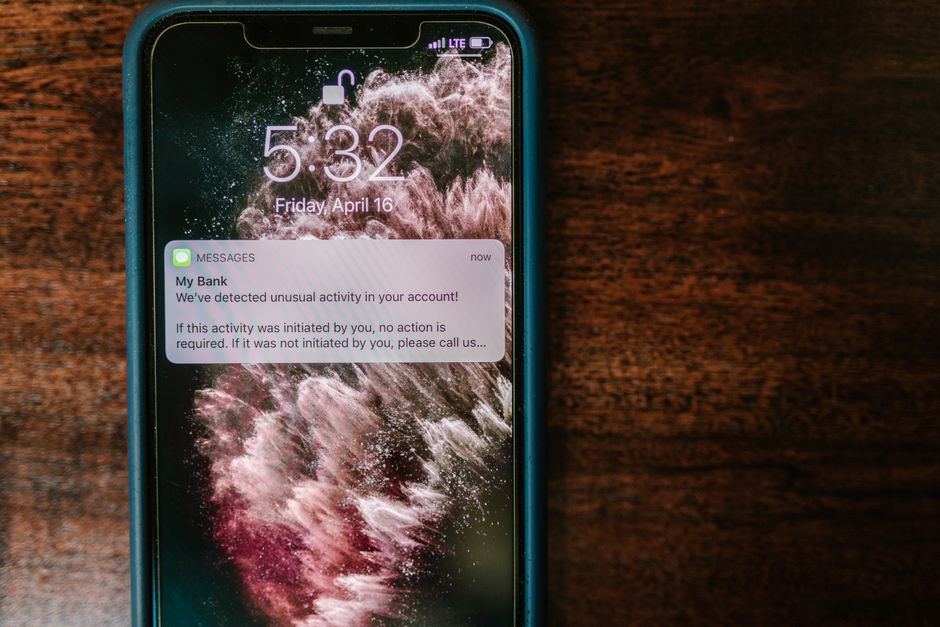
These are attempts by fraudsters to trick you into revealing sensitive information, such as usernames, passwords, and credit card numbers, by impersonating legitimate entities. Phishing typically occurs via email, while smishing uses text messages. They often create a sense of urgency or fear, prompting you to click a malicious link or download an infected attachment. For example, you might receive an email seemingly from your bank, stating there’s a problem with your account and asking you to “verify” your details by clicking a link.
Malware and Viruses
Malicious software, or malware, is designed to disrupt, damage, or gain unauthorized access to your computer systems. Viruses are a type of malware that can replicate themselves and spread to other computers. If your device becomes infected, malware can log your keystrokes (keyloggers), steal files, or even take control of your computer, potentially exposing your financial logins and other personal data.
Data Breaches
Even when you’re careful, your information can be compromised through data breaches affecting companies you do business with. These breaches occur when hackers gain unauthorized access to a company’s databases, potentially exposing customer names, addresses, email addresses, credit card numbers, and even social security numbers. While you can’t prevent a company from being breached, you can take steps to mitigate the damage if one occurs.
Public Wi-Fi Risks
Connecting to unsecured public Wi-Fi networks (in coffee shops, airports, etc.) can expose your data. Without proper encryption, anyone on the same network could potentially intercept the information you’re sending and receiving, including financial transactions or login credentials. It’s like having a private conversation in a crowded, un-soundproofed room.
Why Protecting Your Digital Financial Information Matters for Your Wallet
The consequences of compromised digital financial information can be severe and far-reaching. Beyond the immediate financial loss, identity theft can lead to long-term credit damage, legal battles, and immense stress.
Direct Financial Loss
The most obvious impact is the unauthorized draining of your bank accounts, fraudulent credit card charges, or even the opening of new lines of credit in your name. Recovering these funds can be a lengthy and frustrating process, often requiring extensive documentation and communication with banks and law enforcement.
Identity Theft and Credit Damage
If criminals gain access to enough of your personal information, they can commit identity theft. This means they might open new credit cards, take out loans, or even file taxes in your name. This can severely damage your credit score, making it difficult for you to secure loans, mortgages, or even rent an apartment in the future. Repairing your credit after identity theft can take months or even years.
Emotional and Time Costs
Dealing with financial fraud and identity theft is not just about money; it’s also a significant drain on your time and emotional well-being. The hours spent on phone calls, paperwork, and monitoring your accounts can be overwhelming. The constant worry about further breaches can also take a toll on your mental health.
Exposure of Other Personal Information
Financial information is often linked to other sensitive data. If a hacker gains access to your financial accounts, they might also gain clues to other online profiles, email accounts, or even physical addresses, creating a domino effect of vulnerability.
Actionable Steps to Protect Your Digital Financial Information
Proactive measures are your best defense against online financial threats. Here are concrete, realistic, and actionable steps you can take today to bolster your digital security.
1. Implement Strong, Unique Passwords and Two-Factor Authentication (2FA)
This is perhaps the most fundamental step in online security. A strong password is long (at least 12-16 characters), complex (a mix of uppercase and lowercase letters, numbers, and symbols), and unique to each account. Reusing passwords means that if one account is breached, all accounts sharing that password are also at risk.
- Action: Use a reputable password manager (e.g., LastPass, 1Password, Bitwarden) to generate and store complex, unique passwords for all your online financial accounts. A password manager encrypts your passwords, requiring only one master password for you to remember.
- Action: Enable two-factor authentication (2FA) or multi-factor authentication (MFA) on every financial account that offers it. This adds an extra layer of security by requiring a second form of verification (like a code sent to your phone or generated by an authenticator app) in addition to your password. Even if a hacker gets your password, they can’t access your account without that second factor.
2. Be Hyper-Vigilant About Phishing and Suspicious Communications
Phishing and smishing attempts are becoming increasingly sophisticated. Always approach unsolicited emails, texts, or calls with skepticism, especially if they ask for personal information or urge immediate action.
- Action: Never click on links or download attachments from suspicious emails or texts. Instead, if you suspect an email is legitimate but want to verify, go directly to the official website of the organization by typing its URL into your browser, or call them using a phone number you know to be correct (not one provided in the suspicious communication).
- Action: Look for red flags: poor grammar, unusual sender addresses (e.g., “support@yourbank.info” instead of “support@yourbank.com”), generic greetings (“Dear Customer” instead of your name), and threats or overly enticing offers. Legitimate financial institutions will rarely ask for sensitive information via email or text.
3. Keep Your Software and Devices Updated
Software updates often include critical security patches that fix vulnerabilities exploited by hackers. Running outdated software is like leaving a door unlocked for criminals.
- Action: Enable automatic updates for your operating system (Windows, macOS, iOS, Android), web browsers (Chrome, Firefox, Edge, Safari), and any security software (antivirus/anti-malware). If automatic updates aren’t available, make a habit of checking for and installing updates manually at least once a week.
- Action: Install reputable antivirus and anti-malware software on your computers and smartphones. Keep this software updated and run regular scans to detect and remove threats.
4. Secure Your Network and Be Cautious with Public Wi-Fi
Your home network is your first line of defense. Public Wi-Fi, on the other hand, should be treated with extreme caution.
- Action: Change the default password on your home Wi-Fi router to a strong, unique one. Ensure your router’s firmware is updated and that it’s using WPA3 or WPA2 encryption for maximum security.
- Action: Avoid conducting financial transactions or accessing sensitive accounts when connected to public Wi-Fi. If you must use public Wi-Fi, use a Virtual Private Network (VPN). A VPN encrypts your internet connection, making it much harder for others on the same network to snoop on your activity. Many reputable VPN services are available for a small monthly fee.
5. Regularly Monitor Your Financial Accounts and Credit Report
Even with the best precautions, breaches can still occur. Regular monitoring helps you detect fraudulent activity quickly, minimizing potential damage.
- Action: Review your bank and credit card statements at least once a month for any unauthorized transactions. Many banks offer alerts for unusual activity or large purchases; enable these features.
- Action: Take advantage of your right to a free credit report from each of the three major credit bureaus (Experian, Equifax, TransUnion) once a year at AnnualCreditReport.com. Stagger these requests (e.g., one every four months) to monitor your credit throughout the year for signs of identity theft. Consider signing up for a credit monitoring service, many of which are offered free by credit card companies or banks.
- Action: If you detect any suspicious activity, report it immediately to your financial institution and consider placing a fraud alert or credit freeze on your credit reports. A credit freeze is a powerful tool that prevents new credit from being opened in your name, though it will also require you to temporarily “thaw” your credit if you apply for new credit yourself.
A Continuous Process
Protecting your digital financial information is not a one-time task; it’s an ongoing commitment. The landscape of online threats constantly evolves, and so too must your vigilance. By consistently applying these security practices, you build a robust defense around your personal finances, giving you peace of mind in an increasingly digital world.
Remember, your financial well-being isn’t just about how much you earn or save; it’s also about how well you protect what you have. What steps have you found most effective in safeguarding your online financial life? Share your thoughts below.